
Setting up a productive workspace involves using several screens at once, which makes your choice of desk important. A desk that holds multiple monitors must be able to support a mechanical load, as the weight of the screens, the monitor arms, and your other equipment can add up quickly. This blog shares why understanding the weight capacity ensures your setup remains stable throughout your workday.
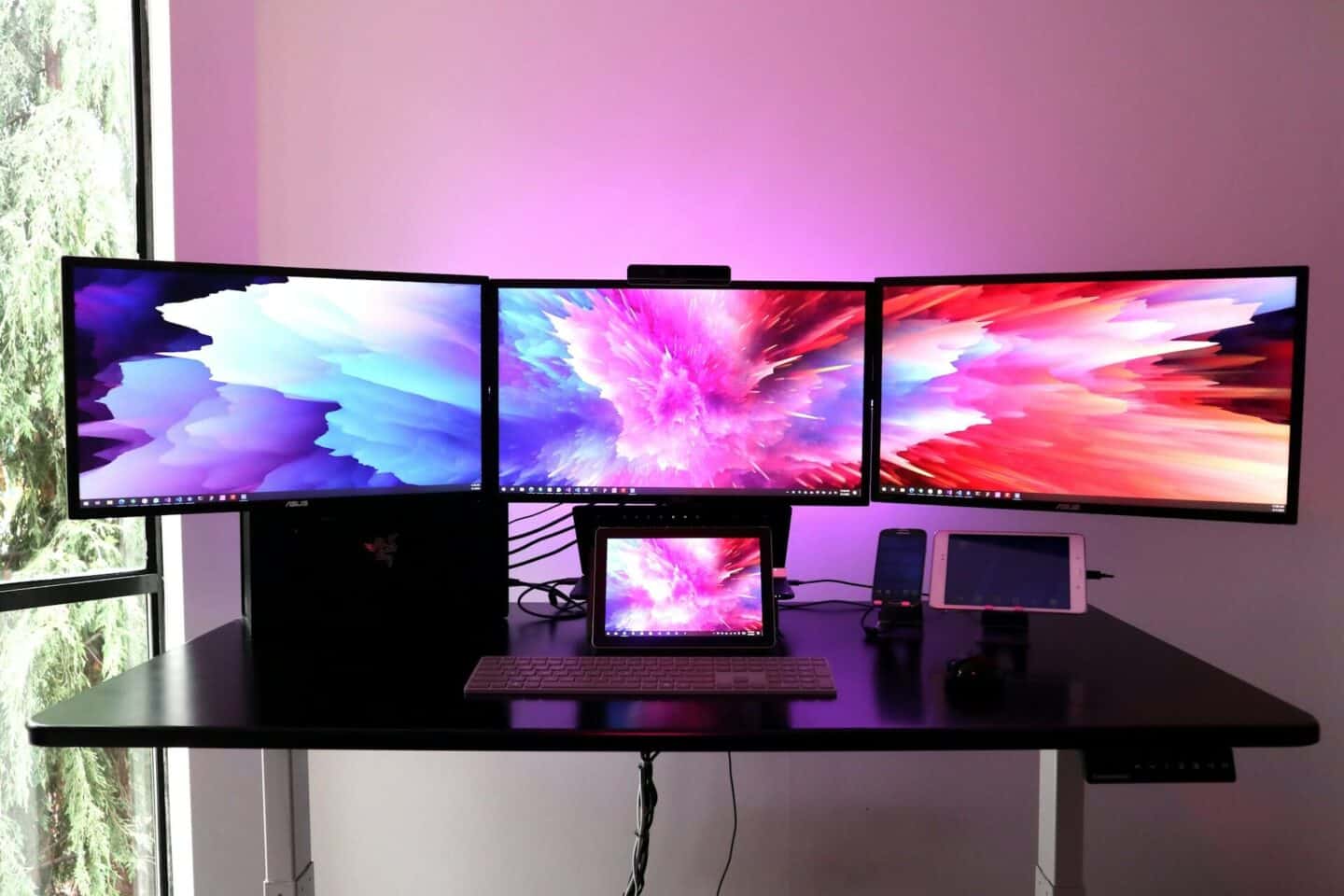
Calculating Total Weight of Your Equipment
The first step in determining the correct capacity is to gather all the items that will permanently sit on your desk surface. You should list every monitor you intend to use, along with the weight of the mounting arms or stands that hold them in place. Always remember to include your computer tower if it rests on the desk, as well as any other heavy gear like speakers or printer stations.
Assessing the Strength of the Desktop Material
Not all desks are built with the same level of structural integrity, and the material of your desktop plays a huge role in its capacity. Solid wood or heavy-duty steel frames are much better at supporting high-load configurations compared to thin particle boards or hollow designs. When you shop for computer desks, look for details regarding the load-bearing capacity of the material used in the construction.
Evaluating the Design of the Desk Frame
The legs and frame of your desk are the true backbone that handles the mechanical load, making their design just as important as the desktop itself. Look for desks with crossbars or sturdy leg structures that distribute weight evenly across the floor surface to prevent wobbling. A desk with a well-engineered frame provides a solid platform that will not shake when you type or adjust your monitor positions.
Considering the Force of Monitor Arms
When you use mounting arms to hold your screens, they exert a specific type of pressure called clamping force on the edge of your desk. This creates a concentrated load in one spot, which can sometimes be more demanding on the surface than just placing the monitors on their standard stands. Ensure your desk edge is strong enough to handle this concentrated pressure without cracking or damage.
Accounting for Dynamic Weight During Use
It is easy to focus only on the static weight of your monitors, but you should also consider the movement involved when you adjust them. When you move your monitors to change their angle or height, you create a dynamic force that puts extra temporary strain on the desk surface. Your desk must be robust enough to handle this shifting weight without feeling like it is going to tip or flex under pressure.
Checking Manufacturer Load Specifications
Always rely on the official specifications provided by the manufacturer rather than guessing if a desk looks sturdy enough. Reputable retailers list the maximum weight capacity for their computer desks, which takes the guesswork out of your process. If a desk does not provide this information, it is safer to look for another option that has been properly tested and rated for heavy-duty office environments.
Balancing Weight Distribution Across the Surface
Even with a desk that has a high weight capacity, how you place your equipment makes a big difference in the long-term stability. Try to spread your monitors and other items evenly across the desk surface rather than clustering all the heavy gear on one single side. Plus, this balance prevents uneven stress on the frame and helps the desk maintain its form for many years without any signs of wear.
Ensuring a Solid Foundation for Your Productivity
Understanding the mechanical load capacity of your workspace is a fundamental step towards building a reliable, high-performance office environment. By taking these factors into account, you can set up your multi-monitor system knowing your desk is suited for the job. A stable desk acts as the foundation for your daily work, allowing you to focus on your tasks without any concerns about your safety.